A disabled button was not a broken recorder.
The Mac app was telling the truth about paired capture while hiding the working single-camera path below the preview.
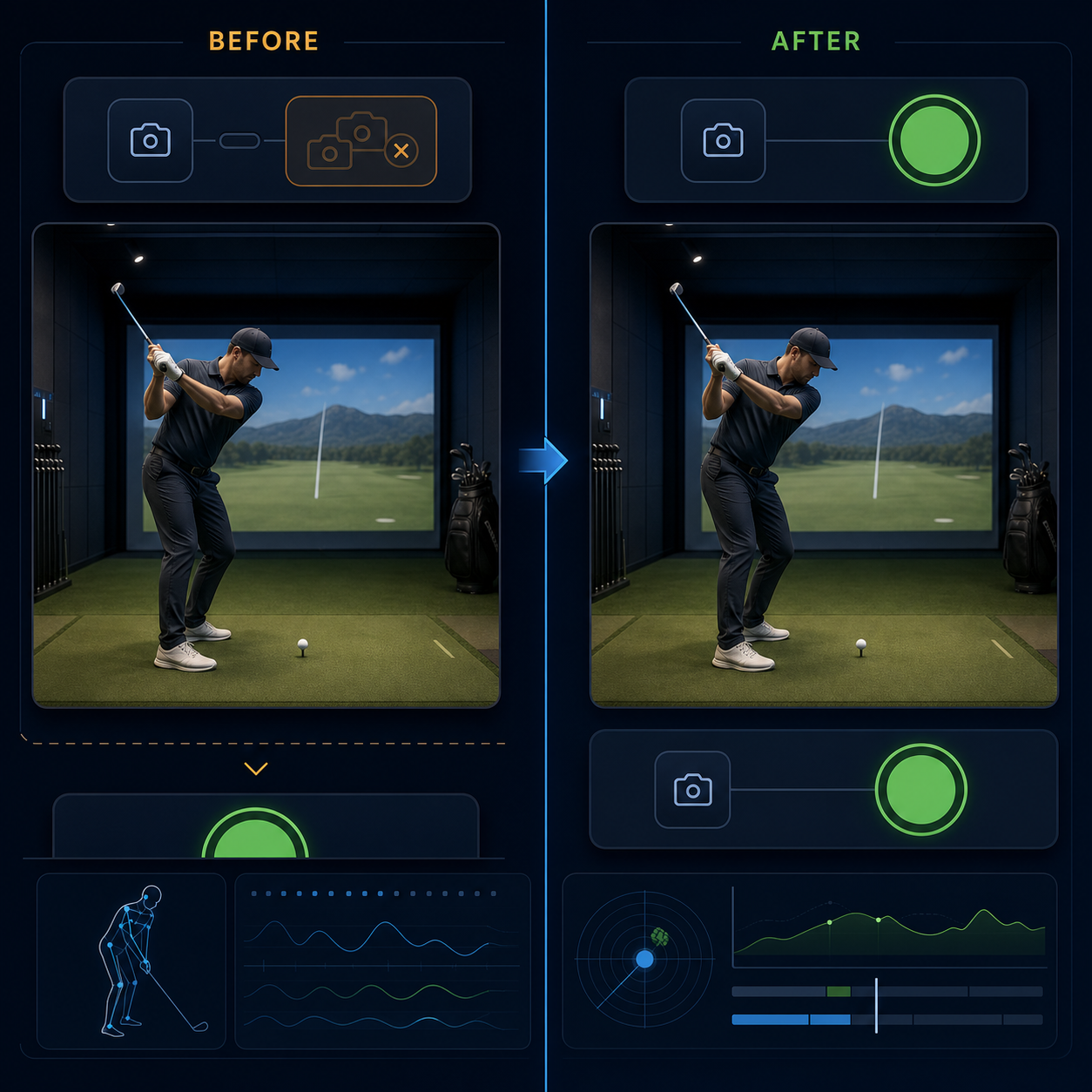
The first report was that recording on the Mac was broken.
The most visible button, Record Both Cameras, was disabled. That was correct: the iPhone control channel was disconnected and the paired-capture requirements were not satisfied.
The working Record Mac Only action sat lower in a collapsed Advanced / Single-Camera section beneath the preview.
The application was truthful about authority and wrong about presentation. It made a valid safety gate look like a dead recorder.
One symptom contained two controls
The repair moved transport controls ahead of the capture layout, expanded the single-camera section initially, and placed the control rail before the canvas in the compact vertical arrangement.
It did not fix visibility by creating another camera view. The Mac preview still has one owner. That matters because an earlier adaptive layout mounted the preview in multiple branches and caused AVFoundation session thrashing. A presentation fix that reintroduced two preview owners would have reopened a camera failure while solving a button failure.
The focused presentation test now fixes the intended order: controls ahead of the compact preview, one preview construction, and a visible Mac-only lane even when paired authority is unavailable.
The camera had to prove the UI
A clean diff and a passing test established source intent. They did not establish a usable recorder.
We exercised the exact local unsigned app on the physical Mac. After camera permission was granted, Apple Vision frame reporting advanced for more than 30 seconds. Record Mac Only then saved a 59.1-second capture with 1,776 delivered frames, an observed zero dropped frames, and a measured 30.56 frames per second.
The 179,936,615-byte movie and its adjacent annotations matched their package hashes. FFmpeg decoded the movie without error. Review playback visibly advanced. After quitting and relaunching, the camera and recording controls remained above the preview with the Mac-only section expanded.
That closes the reported local Mac recording failure on that physical machine.
What the result does not prove
It does not prove paired recording. It does not prove iPhone offload or automatic phone deletion. It does not prove a signed distributable build.
The verification app was built with code signing disabled because the Mac had zero valid Apple Development identities. The existing signed application was not overwritten. A normal signed build and installed-surface repeat remain open.
That is the deeper product lesson: a disabled control can be honest and the experience can still be broken. Safety state, capability state, and discoverability are separate concerns. The interface has to tell the user not only what cannot happen, but also what can happen next.
The recorder was working. The product started working when the path to it became visible.